

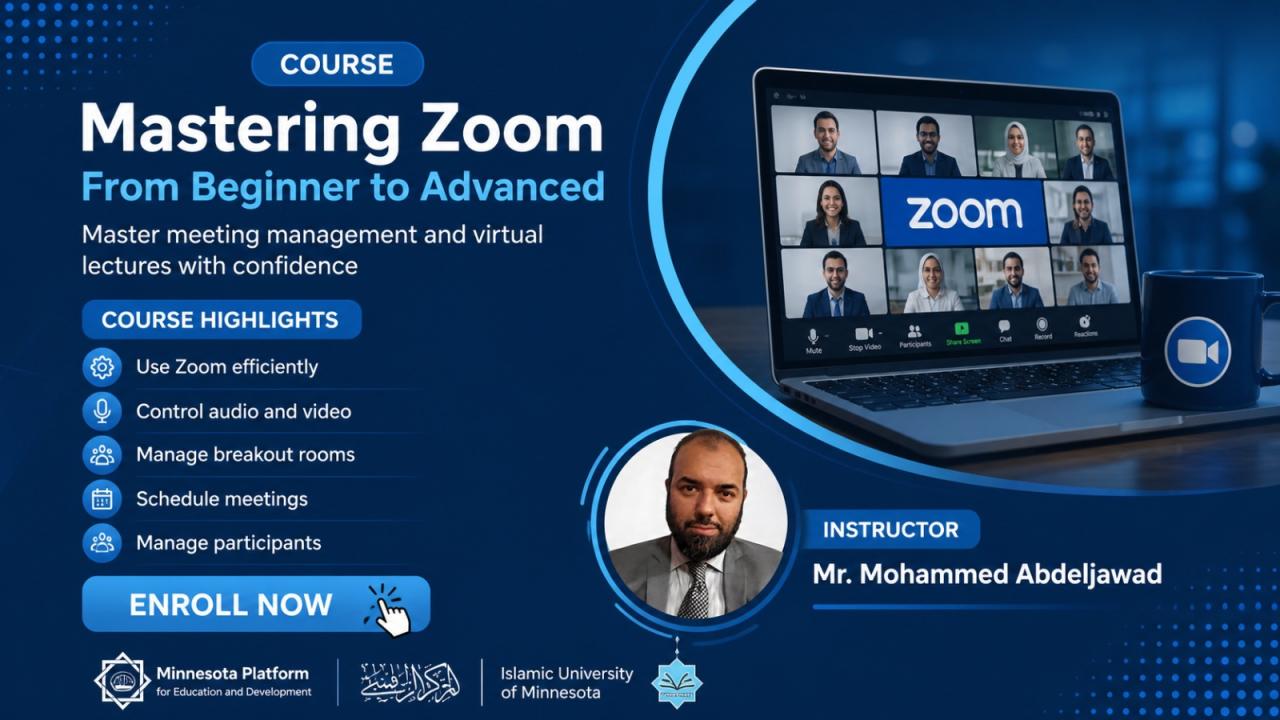
About This Course
This training course provides a detailed and practical explanation of Zoom, starting from the basics for beginners up to professional tools. You will learn how to adjust audio and video settings, join lectures and interact within them, as well as use advanced host tools like managing breakout rooms, interactive screen sharing, and scheduling lectures professionally to suit teachers, presenters, and virtual meeting managers.
Learning outcomes
- Master the use of Zoom for students and lecturers with confidence.
- Comprehensive control over audio, video, and sharing settings.
- Professional management of virtual rooms and participant permissions.
- Activate advanced interaction tools (screen sharing, whiteboard, and breakout rooms).
Course Requirements
- A computer or smartphone, a stable internet connection, and the installation of Zoom software.
Course Curriculum
-
إنشاء حساب وتحميل البرنامج وضبط الإعدادات العامة
-
إعدادات الصوت، الفيديو، وتحسين جودة البث
-
الانضمام للمحاضرات وأدوات التفاعل الأساسية
-
كيفية الحصول على صلاحية المضيف والتحكم بالتسجيل
-
أدوات المضيف (غرفة الانتظار، إغلاق القاعة، وصلاحيات)
-
استخدام الغرف الفرعية (Breakout Rooms)
-
احتراف مشاركة الشاشة (Screen Share) وأدوات التوضيح
-
جدولة المحاضرات وإعداد الروابط الدائمة
-
اختبار الدورة
Reviews Statistics
Loading reviews...