

About This Course
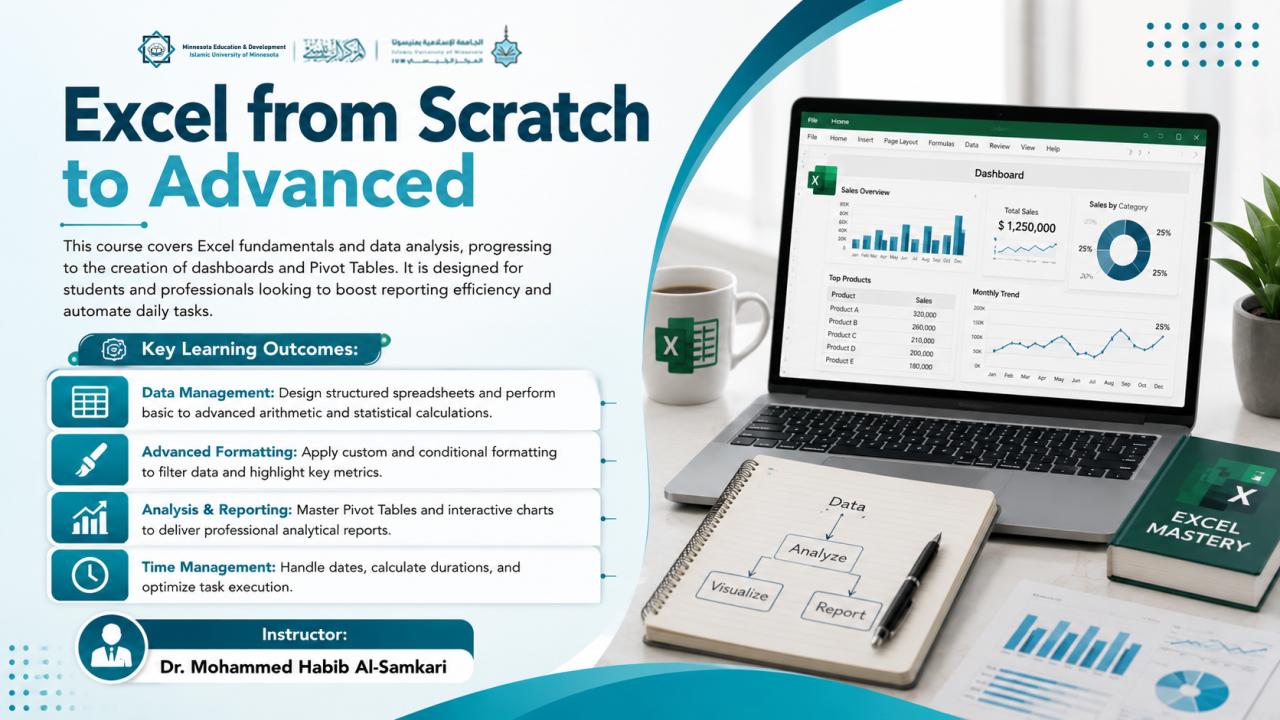
The course covers the basics of Excel and data analysis, leading to the design of dashboards and pivot tables. It targets students and professionals to enhance their reporting efficiency and automate their daily tasks.
Learning outcomes
- Building organized spreadsheets and performing all basic and advanced mathematical and statistical operations.
- Using custom formatting and conditional formatting tools to highlight data and hide or display information based on specific criteria.
- Mastering the creation of pivot tables and interactive charts to produce comprehensive analytical reports.
- Mastering time management skills, dates, and duration calculations within the Excel environment.
Course Requirements
- A computer with Microsoft Office installed.
- Basic knowledge of computer usage and file management.
- The desire and motivation to learn data organization techniques and solve computational problems.
Course Curriculum
-
Introduction to Microsoft Excel and Its Practical Uses
-
Running the Program and Familiarizing with the Workspace and Main Menus
-
The Concept of "Classifier" and the Structure of Rows, Columns, and Cells
-
Naming Cells and Using the Name Box for Quick Navigation
-
Using the Formula Bar to Manage Cell Content
-
Data Classification and Formatting using (Format Cells) and Methods for Data Deletion
-
Formatting Fonts, Colors, and Borders within Tables
-
Alignment, Writing Direction, and Handling Long Texts
-
Introduction to Functions and How to Write Equations
-
Big Data Processing using Functions and Auto-fill
-
Sorting and Organizing Data
-
Data Representation with Charts and Saving the File
-
The Test
Reviews Statistics
Loading reviews...